Wedding website & planning platform
I designed and built a responsive wedding website for guests alongside a private planning workspace for managing the details behind the event.
A clear path from plans to RSVP
I designed for two audiences: guests who need event details, travel guidance, and their RSVP, and organizers who need a private place to manage responses, schedules, vendors, and planning tasks.
My work covered the design direction, responsive front-end, backend integration, and testing.
An invitation guests can use
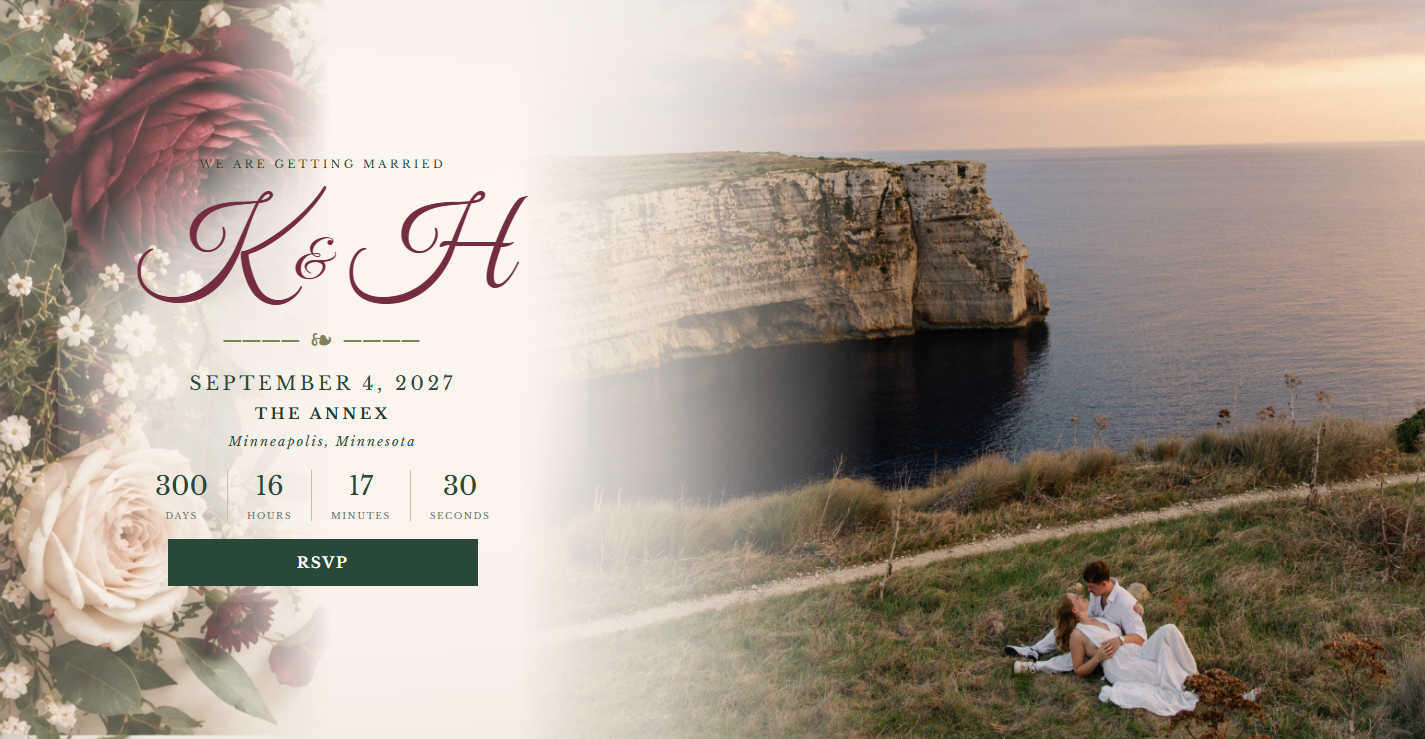
I paired engagement photography with traditional typography and a botanical palette so the site feels like an invitation, not just an information page. The primary RSVP button leads directly to invitation lookup.
I used clear calls to action and organized the content so guests can find the practical details without losing the visual atmosphere.
Household RSVPs and schedule publishing
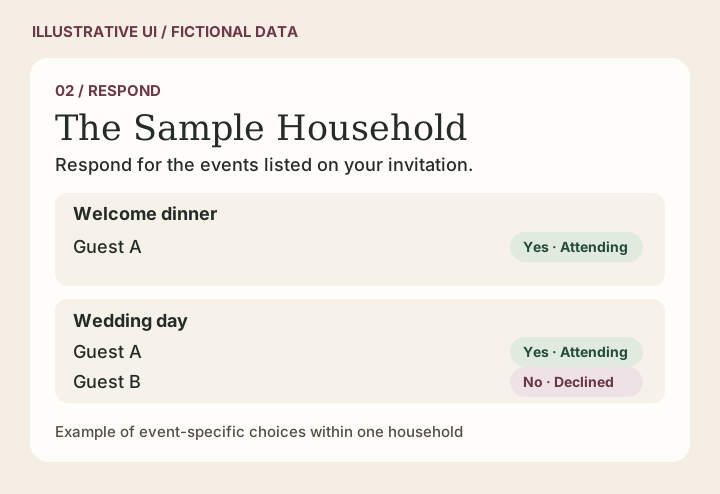
Respond by household
I designed the RSVP flow around households, so each guest can respond to the events they’re invited to. Behind the interface, separate server endpoints handle invitation lookup and response submission.
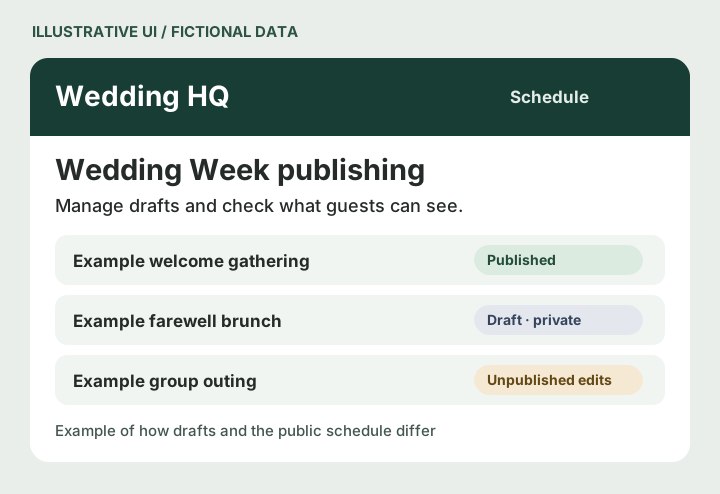
Publish updates from Wedding HQ
I connected Wedding HQ to the public Wedding Week schedule using Supabase and PostgreSQL. I separated drafts from published data so schedule changes only go live when an organizer chooses to publish them; organizers can also unpublish entries.
The site in use
The live captures show how the same content adapts across desktop and mobile. Open any preview to see the full section crop. The two workflow illustrations use fictional data.
Homepage hero
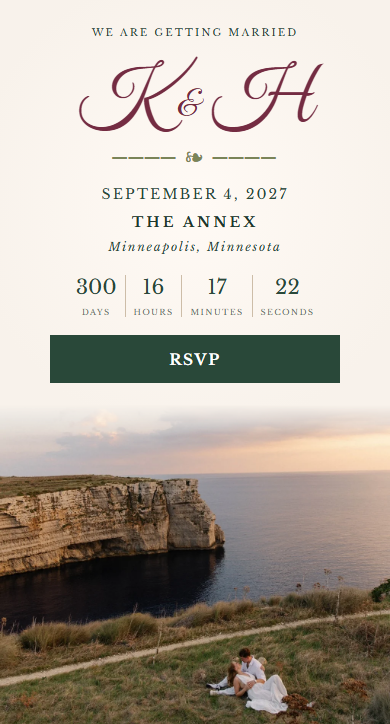
On desktop, the invitation sits beside the coastal engagement photo. On mobile, the date, countdown, and RSVP button sit above the photo.
Homepage FAQ
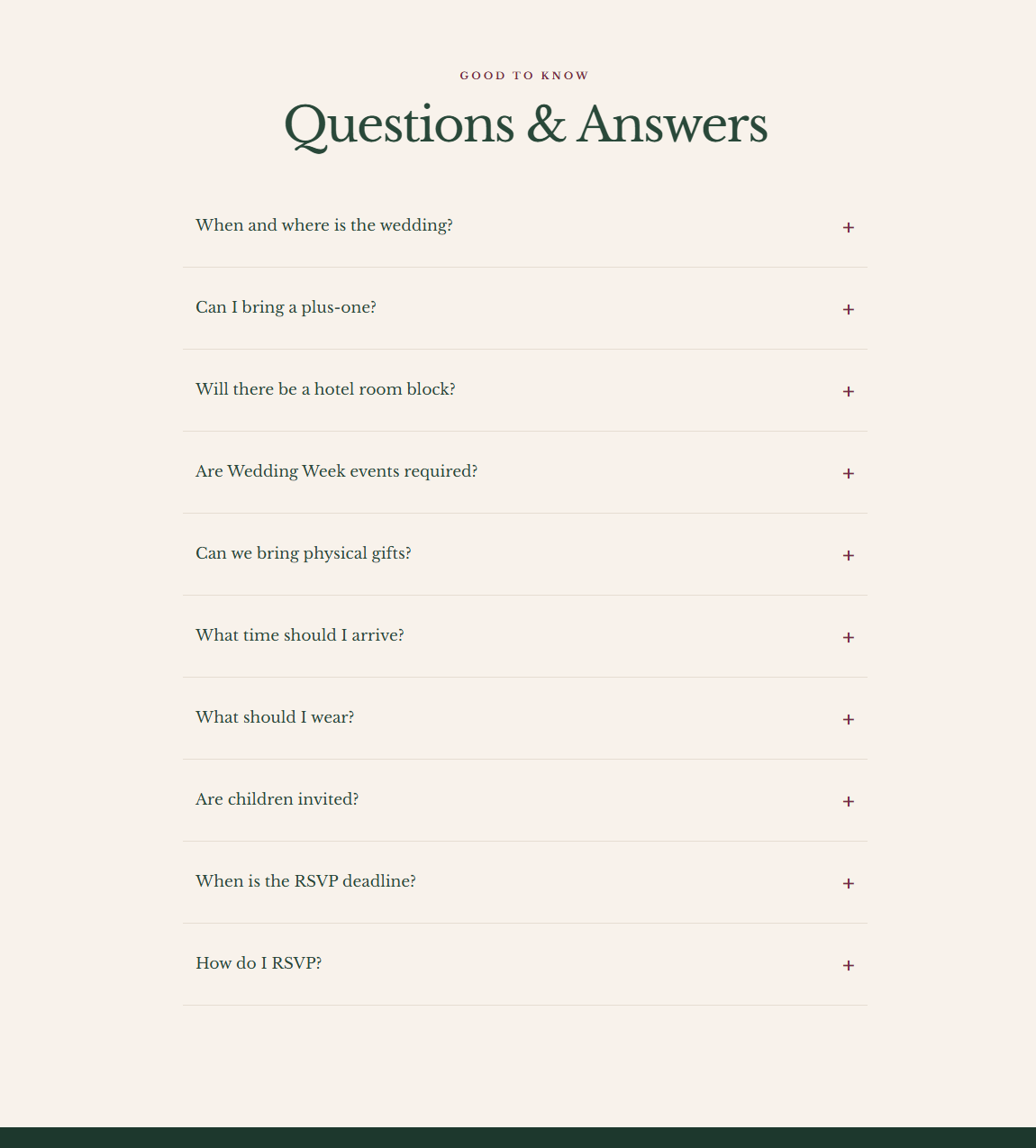
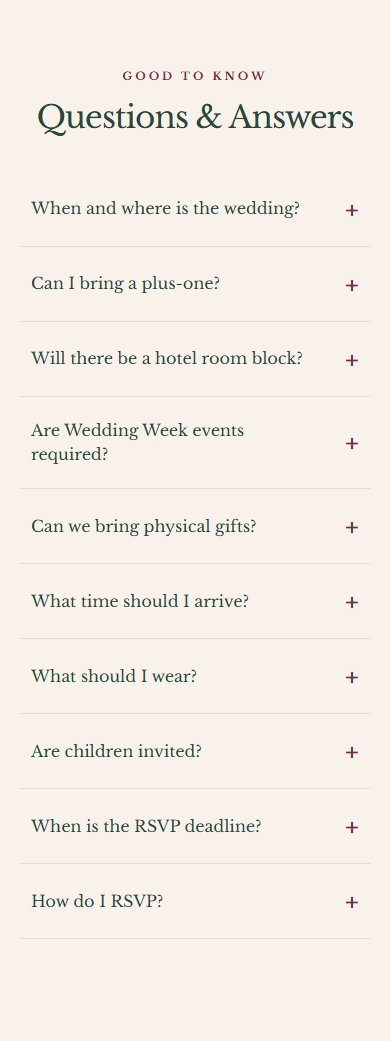
The compact list keeps common questions about travel, invitations, and timing easy to scan.
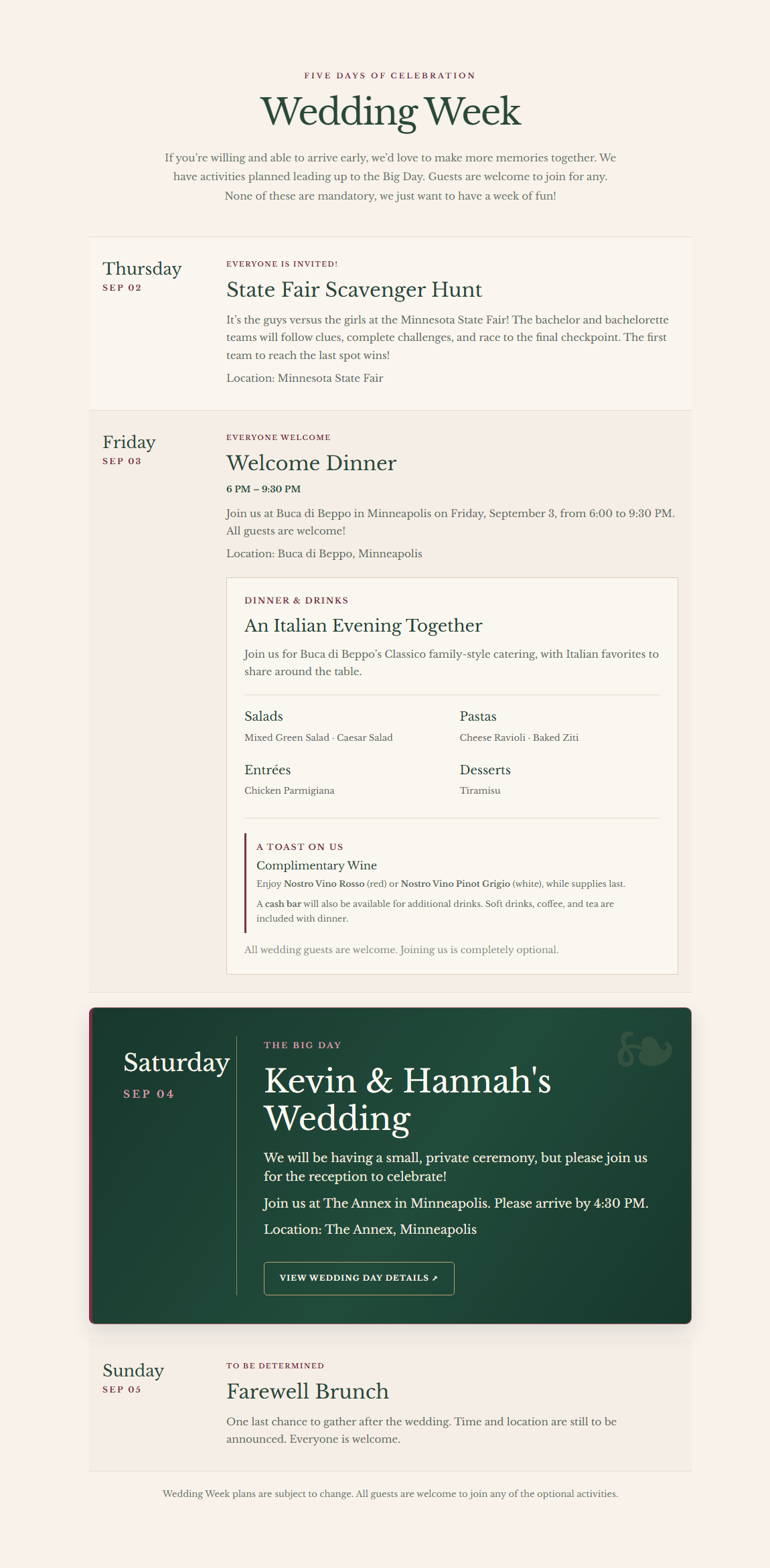
Wedding Week
Dates sit beside event details on desktop and above them on mobile. The wedding day uses a distinct dark card in both layouts.

RSVP and Wedding HQ
The RSVP illustration shows choices by person and event. The Wedding HQ illustration shows draft, published, and unpublished-edit states for the schedule.
What I delivered and checked
I delivered the guest-facing website, household-aware RSVP experience, and private planning workspace. I reviewed the layouts at desktop and mobile sizes and worked through the RSVP and schedule flows during development.
The site is live, and I’m continuing to refine the guest and planning experiences as we prepare for the event.